
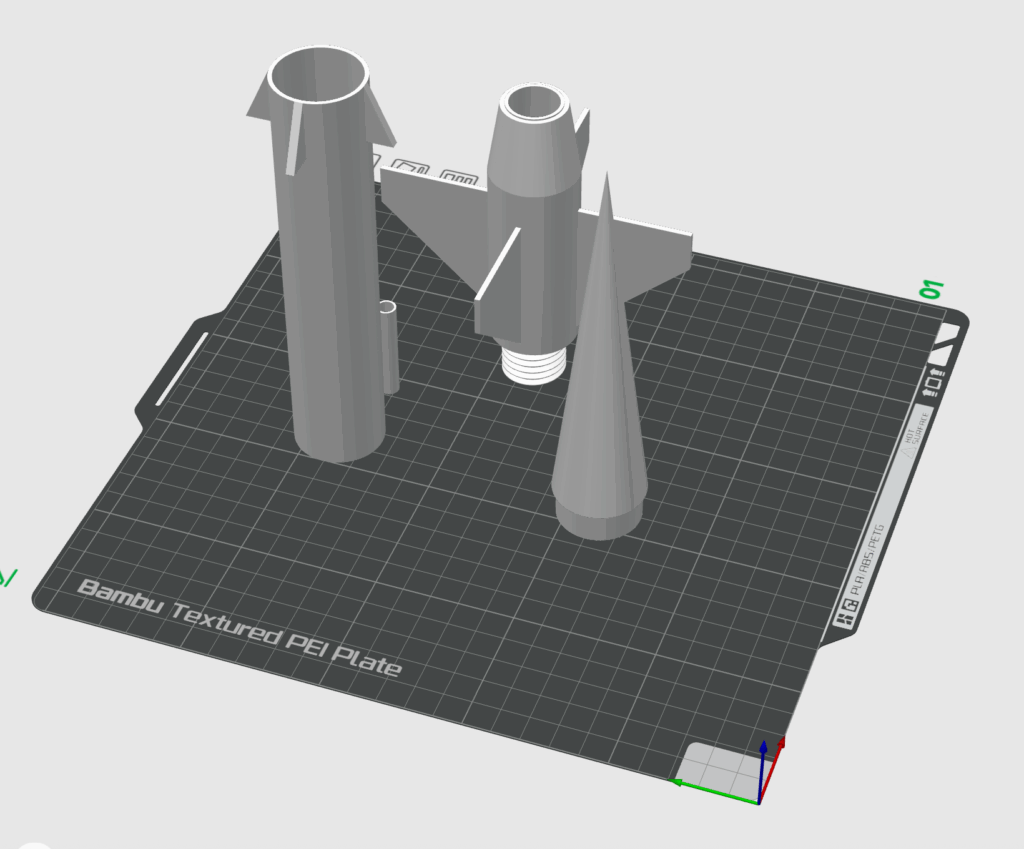
So you’ve got a great idea – but before jumping straight into 3D printing or manufacturing, there are a few key things every first-time inventor should know. Building a prototype is one of the most exciting steps in product development, but it can also be one of the most misunderstood.
In this guide, we’ll break down how to build a prototype, the common mistakes beginners make, and how you can save time and money by planning smart from the start.
What Is a Prototype (and Why You Need One)?
A prototype is a physical or digital model of your idea – used to test how your product looks, feels, and functions. It’s the bridge between concept and production.
You don’t need to start with a fully functional version. In fact, the best approach is to start small, test, and improve. Prototyping helps you:
- Validate your idea before investing heavily
- Identify design flaws early
- Communicate your concept to investors or partners
- Build excitement for your product launch
Think of your prototype as a learning tool, not the final version.
Step 1: Refine Your Idea
Before opening any CAD software or 3D printer, take time to clearly define your product’s purpose.
Ask yourself:
- What problem does my product solve?
- Who will use it?
- What are the key features that make it different?
Having these answers early prevents wasted effort later and keeps your design focused on solving real needs.
Step 2: Create a Sketch or 3D Model
Once your concept is clear, move from idea to visualization. Start with a hand sketch or use CAD software like Fusion 360 or Tinkercad to make a digital model.
This model helps you visualize dimensions, proportions, and functionality.
If you’re new to design, partnering with a product design team like PAMOIR can make this process faster and more accurate. They’ll help refine your idea into a production-ready CAD file.
Step 3: Choose the Right Prototyping Method
Not all prototypes are created the same – and choosing the right method depends on what you’re testing.
- 3D Printing: Ideal for quick, low-cost iterations and early-stage testing.
- CNC Machining: Perfect for high-precision parts and functional prototypes.
- Molding or Casting: Best when testing flexible materials or production processes.
For most beginner inventors, 3D printing offers the best balance of cost, speed, and flexibility. You can make changes overnight and see your progress in real time.
Step 4: Test, Iterate, and Improve
No prototype is perfect the first time – and that’s completely normal.
The goal is to test your design, gather feedback, and make improvements with each version.
Pay attention to:
- Fit and assembly issues
- Ergonomics and comfort
- Material durability
- Cost and manufacturability
The more you refine at this stage, the smoother your path to production will be.
Step 5: Protect Your Idea
Before publicly sharing or pitching your prototype, make sure your intellectual property is protected. Consider:
- NDAs (Non-Disclosure Agreements) when working with contractors
- Provisional patents to secure your idea while refining the design
This ensures your hard work and innovation stay yours.
How PAMOIR Helps First-Time Inventors
At PAMOIR, we specialize in guiding inventors from concept to prototype. Whether you have a hand sketch, a rough idea, or a partial 3D model, we’ll help refine it into a professional prototype ready for testing or presentation.
Our process includes:
- Concept refinement and 3D modeling
- Rapid prototyping with advanced 3D printing
- Design feedback and optimization
- Preparation for production or crowdfunding
You don’t have to figure it out alone – we help turn your vision into something you can hold.
Final Thoughts
Building your first prototype is a learning experience – one that brings your product to life and shows you what’s possible.
By understanding the basics of how to build a prototype and avoiding common beginner mistakes, you’ll move faster, spend less, and build smarter.
Ready to bring your idea to life?
Start your prototype journey today with PAMOIR.