
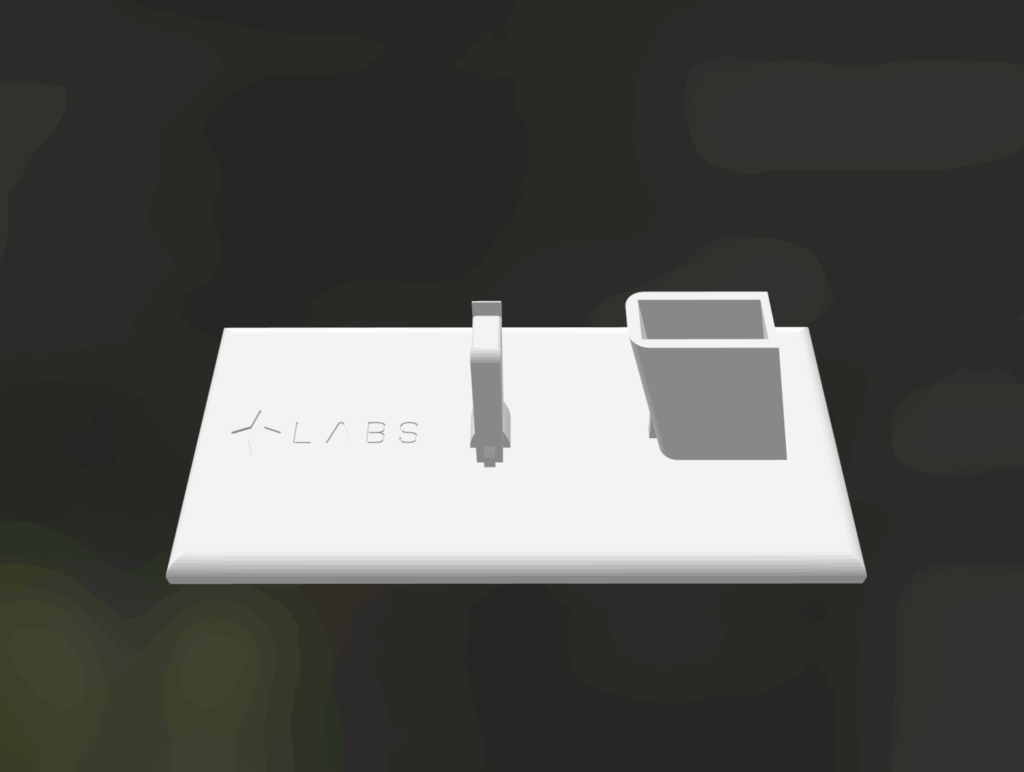
If you’ve ever sketched an idea on paper and wondered how to make it real, CAD modeling is the bridge between concept and creation.
Whether you want to design a gadget, prototype a new invention, or visualize a product before manufacturing, digital modeling gives you the power to bring your idea to life – right on your computer.
In this guide, we’ll break down CAD modeling for beginners and show you how digital design tools help you turn your product idea into a tangible, testable prototype.
What Is CAD Modeling?
CAD (Computer-Aided Design) is the process of using software to create detailed 3D digital models of a product. Think of it as the modern evolution of sketching — except your drawings now have precise measurements, realistic materials, and can be 3D printed or manufactured directly.
With CAD, you can:
- Visualize your design from every angle
- Adjust dimensions and tolerances with accuracy
- Test how components fit together
- Export files (like STL) for 3D printing or production
Popular CAD tools include Fusion 360, SolidWorks, Blender, and Tinkercad — each offering a unique balance of simplicity and professional functionality.
Why CAD Modeling Matters for Product Creators
If you’re developing a new product, CAD is more than just a visualization tool — it’s your digital workshop.
Here’s why it’s essential:
- Rapid Iteration: You can modify and test designs without wasting materials.
- Cost Efficiency: Spot design flaws before production to save time and money.
- Precision: Every part is modeled to exact measurements for manufacturing.
- Collaboration: CAD files can be easily shared with engineers, 3D printers, or manufacturers.
For small businesses or inventors, this step transforms ideas into something investors, customers, and production partners can understand.
How to Make a 3D Model of Your Product (Step by Step)
- Start with a Sketch
Begin on paper or tablet — capture your idea’s shape, size, and purpose. - Choose the Right CAD Software
Beginners can start with Tinkercad or Fusion 360 for intuitive, easy-to-learn interfaces. - Model the Base Shape
Use simple forms like cubes, cylinders, or extrusions to outline your product. - Add Details and Features
Create openings, threads, logos, or structural supports — refine your design gradually. - Check Fit and Function
Use your CAD tool’s simulation or measurement features to verify accuracy. - Export for Prototyping
Save your model as an STL or STEP file for 3D printing, or send it to a design partner like PAMOIR to help perfect your prototype.
How PAMOIR Helps Turn CAD Models Into Real Products
At PAMOIR, we help creators move beyond sketches. Whether you have a napkin drawing or a rough 3D file, we refine it into a professional CAD model ready for prototyping or manufacturing.
Our process includes:
- Reviewing your design idea
- Creating or optimizing your CAD file
- Testing dimensions and printability
- Delivering a ready-to-produce model or physical prototype
With expert CAD modeling and 3D printing capabilities, we make it simple to go from idea to product — all in one place.
Final Thoughts
Every successful product starts as an idea — but CAD modeling is what makes that idea real. By learning the basics of how to make a 3D model of your product, you open the door to professional-quality prototypes, investor-ready visuals, and real-world testing.
Ready to bring your vision to life?
Start your product design journey with PAMOIR today.